
Settings & AccountAvailabilityFree
Manage Privacy, Data, and Your Account
Review consent, export your account data, update sign-in details, and understand permanent account deletion.
Keep account security, AI-processing consent, exports, and deletion decisions in one deliberate workflow.
Before you start
These account controls are available on Free and Pro. Destructive actions may require a recent sign-in, and an active subscription must be cancelled before account deletion. Lifetime Pro holders don't cancel anything first: deleting the account ends the licence, as the step below explains.
Review account controls
- Open Sign-in & email in Settings.
- Use your account provider to update an email or password when needed.
- Under Date format, leave Automatic to follow the region of the browser, or pick DD/MM/YYYY, MM/DD/YYYY or YYYY-MM-DD to pin the order of numeric dates on the home screen, in the Cases list, on analyses, timelines and prescriptions. The line under the choice shows today's date in the order that is in force.
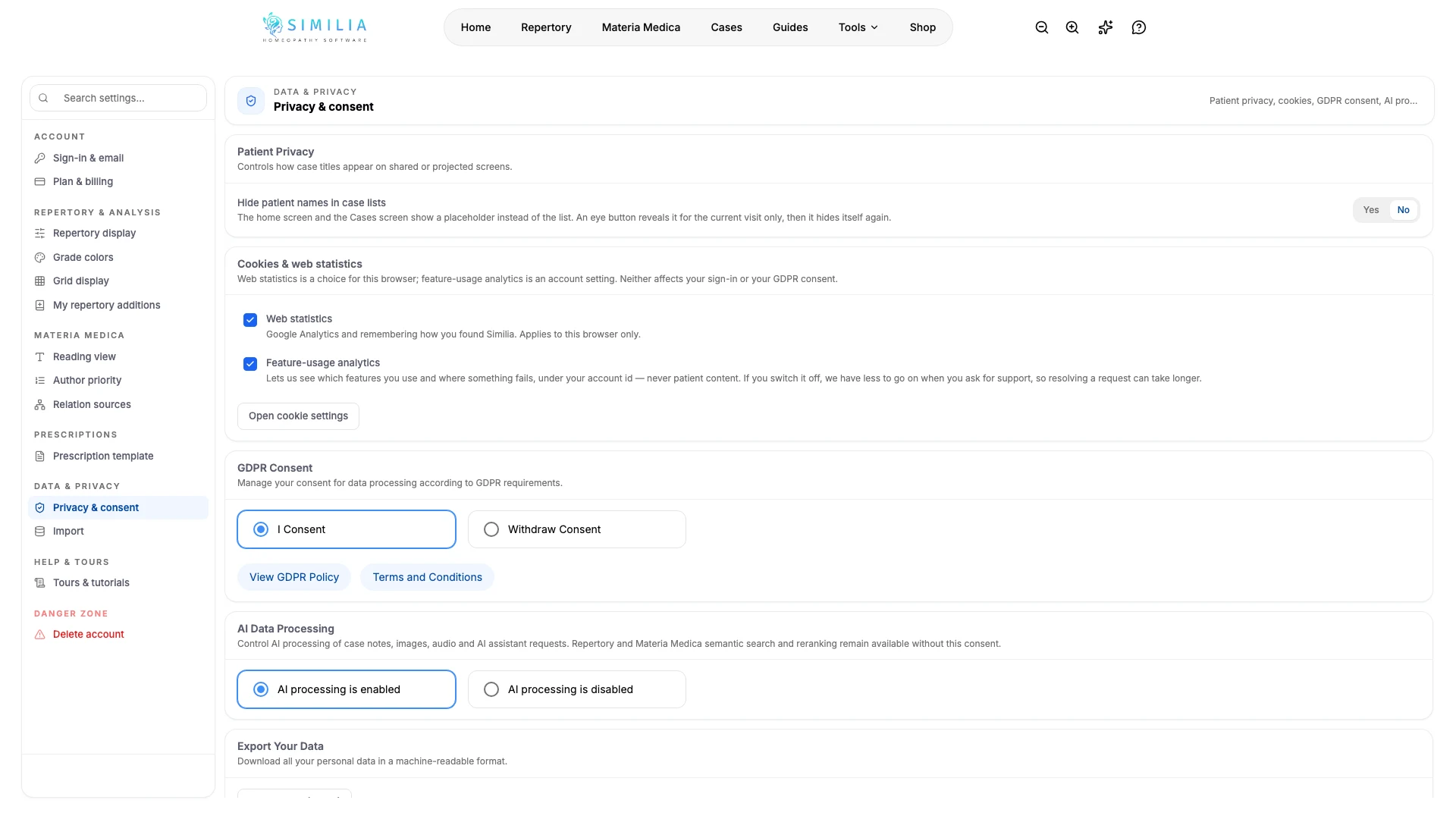
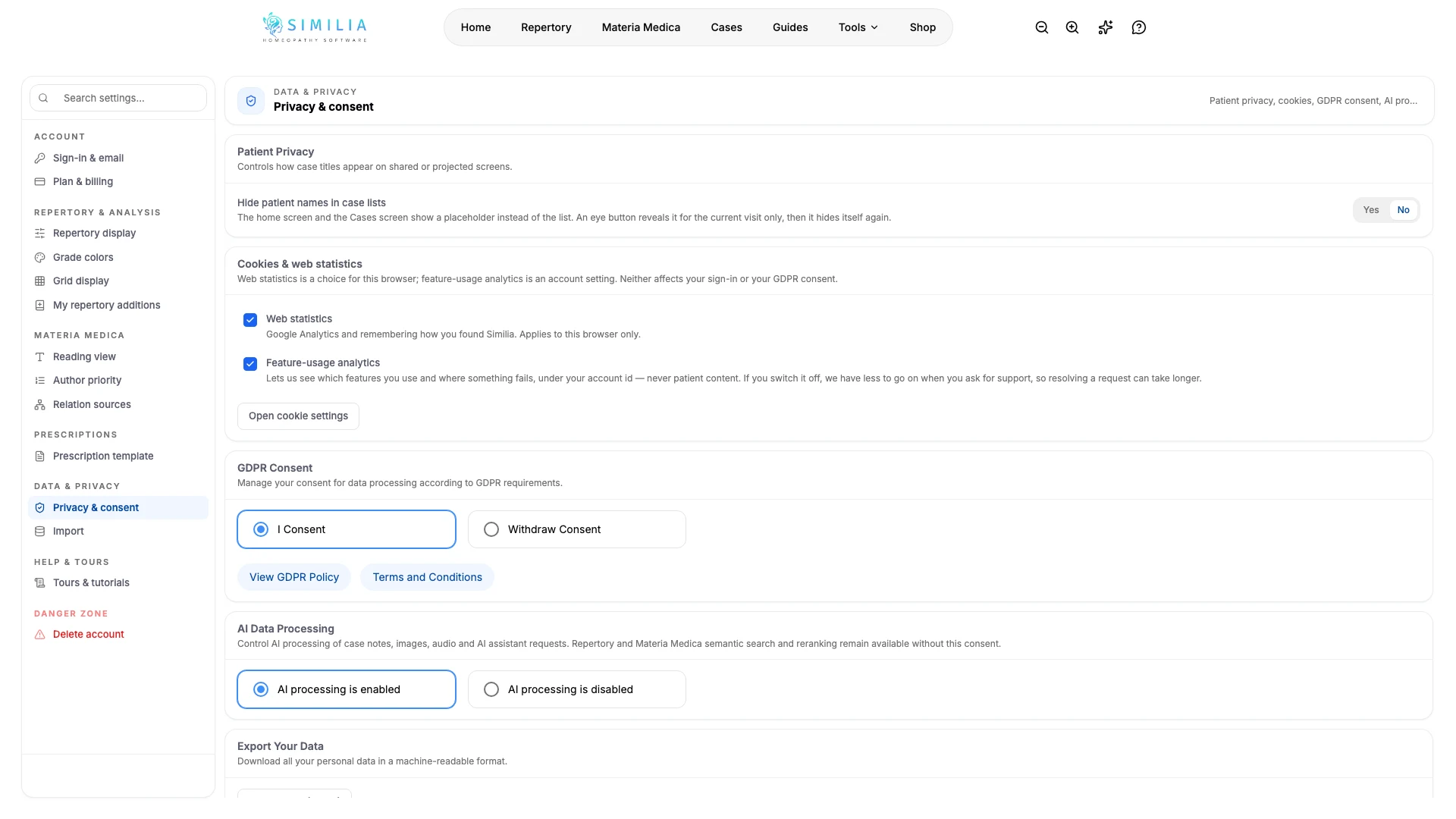
- Open Privacy & consent.
- Under Cookies & web statistics, choose whether web statistics run in this browser and whether feature-usage analytics runs for the account (switching it off leaves support with less to go on); Open cookie settings shows the full choice. These switches never affect the account, the sign-in or GDPR consent — change GDPR or AI-processing choices only after reading their effects. If the Patient data agreement card is shown, use Manage data use to choose study or patient use. Accept the agreement once before adding identifiable patient information; this is separate from patient consent and AI authorisation. The card shows the accepted version, date and named customer, with a download of the acceptance record and exact agreement as JSON.
- Turn on Hide patient names in case lists before teaching or screen sharing.
- Use Export your data to download a machine-readable copy and store it securely.
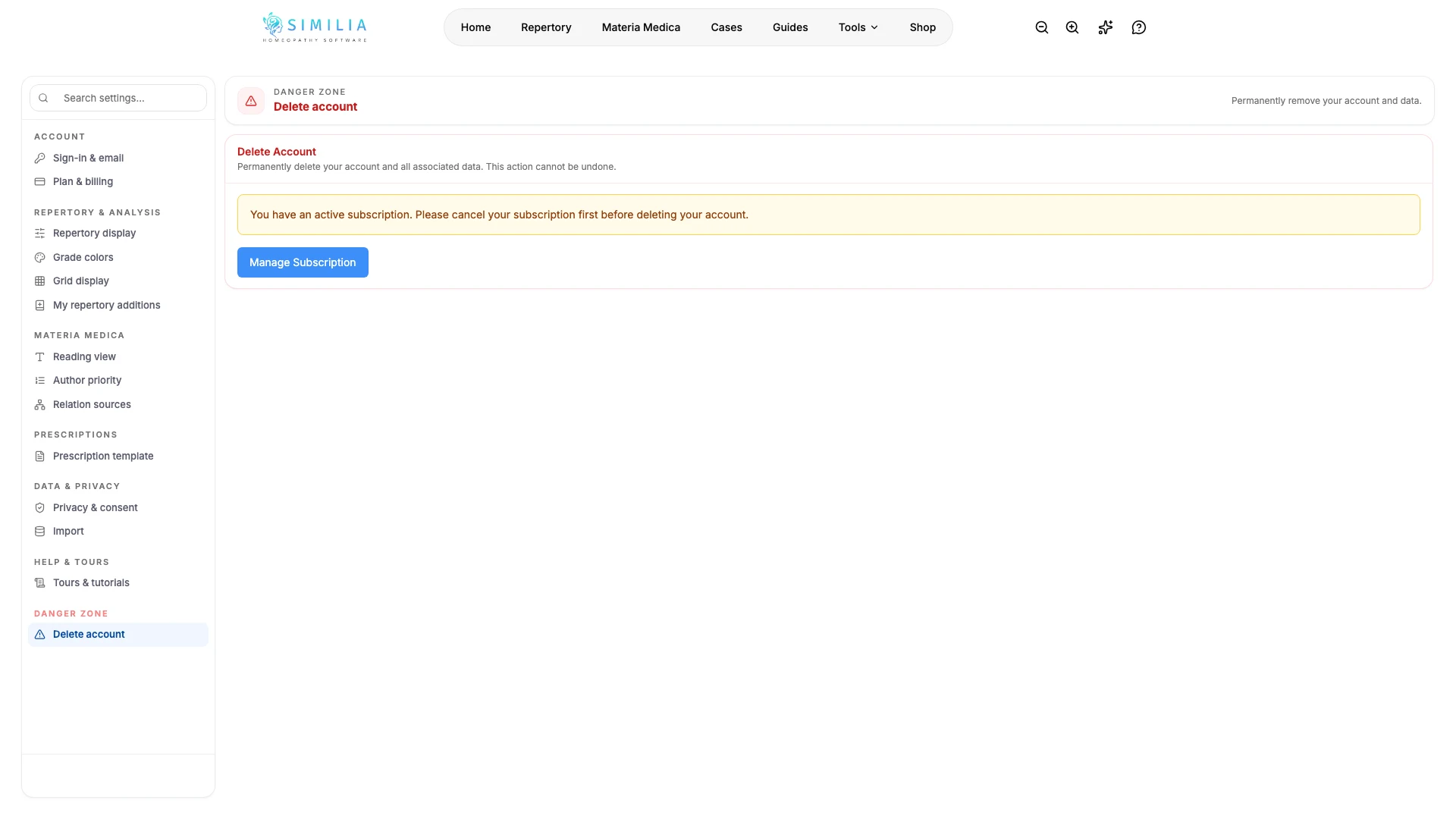
- Cancel any active subscription before deleting the account, and confirm deletion only after reading the complete warning. With Lifetime Pro, tick I understand the Lifetime Pro licence ends permanently first. Deleting the account ends the licence and its Lifetime Pro add-ons for good: they can't be restored, moved to another account or refunded after the 14-day window. A running payment plan is stopped.
You can also read or print the public Data Processing Agreement without signing in. Reading it does not record acceptance.
What you should see
Each sensitive action explains its effect and asks for confirmation or recent authentication when required.
If something looks wrong
- If a security change is rejected, sign out, sign back in, and retry from Settings.
- If export fails, keep the account open and retry on a stable connection.
- If deletion is blocked, cancel the active subscription in the billing portal before returning to the danger zone.
- If Delete Account stays disabled on a Lifetime Pro account, tick the acknowledgement above it.