
Cases & PracticeAvailabilityVaries
Share a Case Securely
Send an independent case copy to the intended person and understand the different sender and recipient requirements.
Case sharing sends a copy of the case for the recipient to accept. It does not create a live shared record: later changes to either copy do not synchronize.
Before you start
Sending a case requires Pro. A verified invited recipient can receive the shared case even without Pro. Obtain the necessary permission before sharing personal information.
Share the case
- Open the exact case you intend to share.
- Review its notes and attachments for information the recipient should not receive.
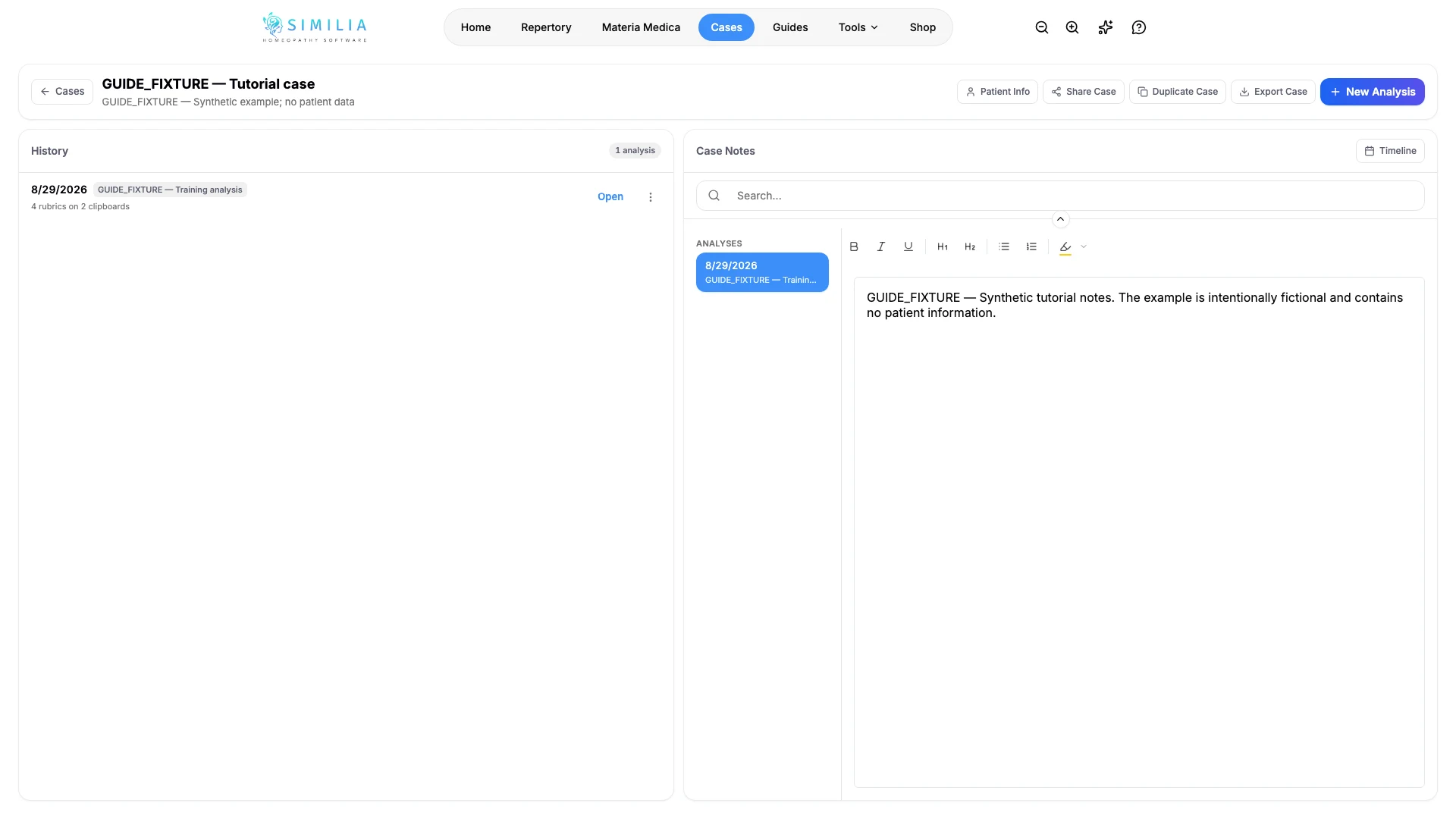
- Open the case sharing action.
- Enter the recipient's account email carefully.
- Confirm the recipient email.
- Send the invitation.
- Ask the recipient to accept it with the same verified email.
- Explain that the accepted case is an independent copy.
What you should see
After the verified recipient accepts, a copied case appears in their account. Your original remains in your account, and edits to the two copies do not synchronize.
If something looks wrong
- If the send action is locked, the sender needs Pro.
- If the recipient cannot open it, confirm they signed in with the invited, verified email.
- If the wrong address was invited, do not assume the invitation can be revoked from the case. Contact the recipient if appropriate and ask Similia support for help before sending another copy.