
Cases & PracticeAvailabilityFree
Create, Edit, and Organize Cases
Create a case, correct its details, place it in a folder, and find it again with search.
Cases keep consultations, analyses, notes, prescriptions, and follow-ups together.
Before you start
Free accounts can create three new cases per month. Pro accounts can create unlimited cases. Use only the information your privacy policy permits you to store.
Create and organize a case
- Open Cases.
- Select the action for creating a case.
- Enter the identifying details you actually need.
- Save the case.
- Use the edit action to correct or add details.
- Create a folder on the case dashboard.
- Move the case into that folder with its case menu.
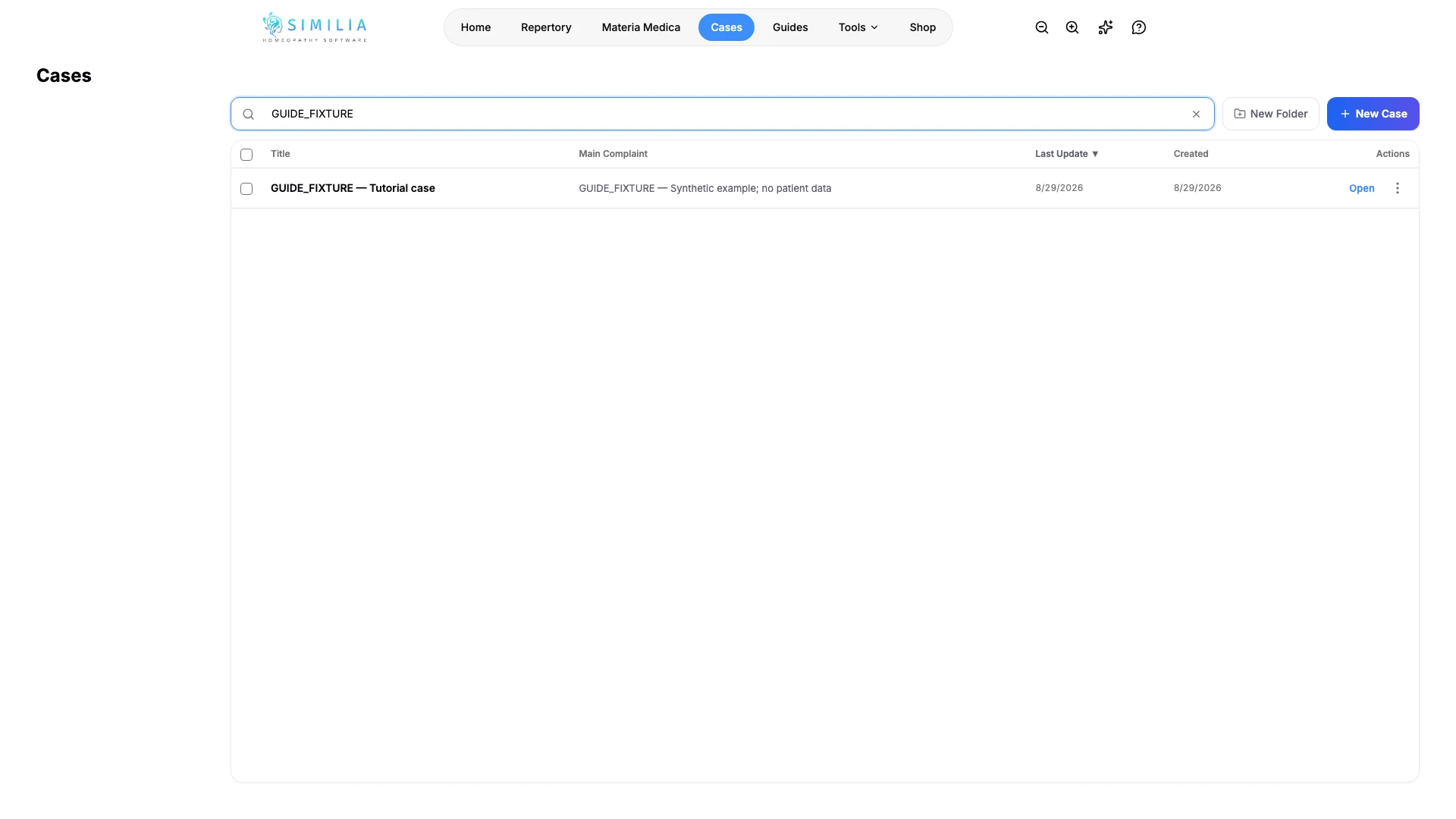
- Search for part of the case name.
What you should see
The case appears once in the selected folder and opens with the details you saved.
If something looks wrong
- If creation is blocked, the Free monthly case allowance may already be used.
- If the list looks empty, clear search and select the all-cases view.
- If an edit is missing, wait for saving to finish before leaving the case.