
AI ToolsAvailabilityPro
Turn Notes, Files, and Audio into Rubrics
Use Notes-to-Rubric with typed notes, a supported file, or audio, then review every suggested rubric.
Notes-to-Rubric extracts possible symptoms from consultation material and suggests repertory rubrics for your review.
Before you start
This AI tool requires Pro, available AI credits, and your acceptance of the AI consent notice. Obtain permission before processing a person's notes, files, or voice.
Create suggestions
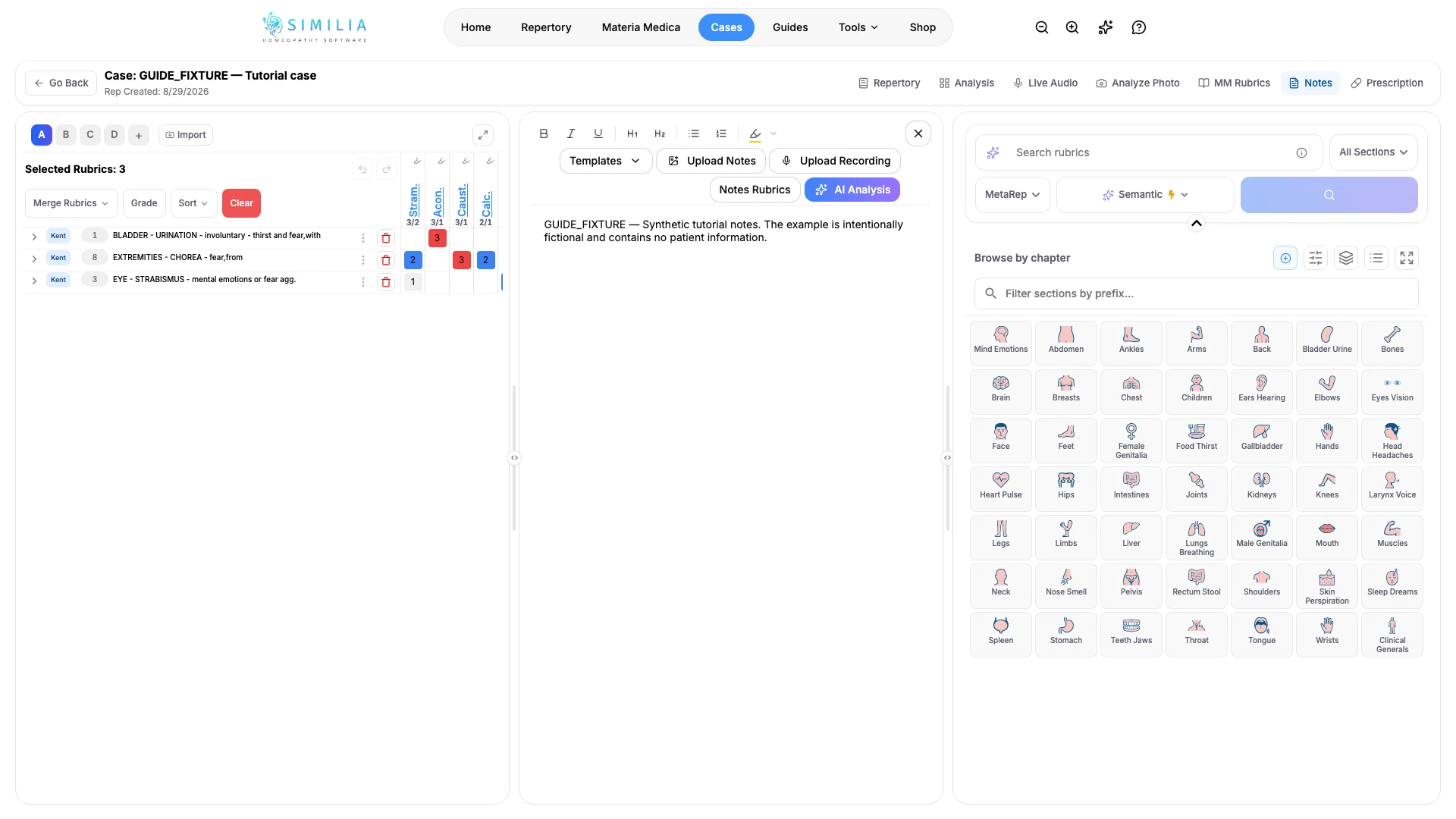
- Go to Notes-to-Rubric in the intended case analysis.
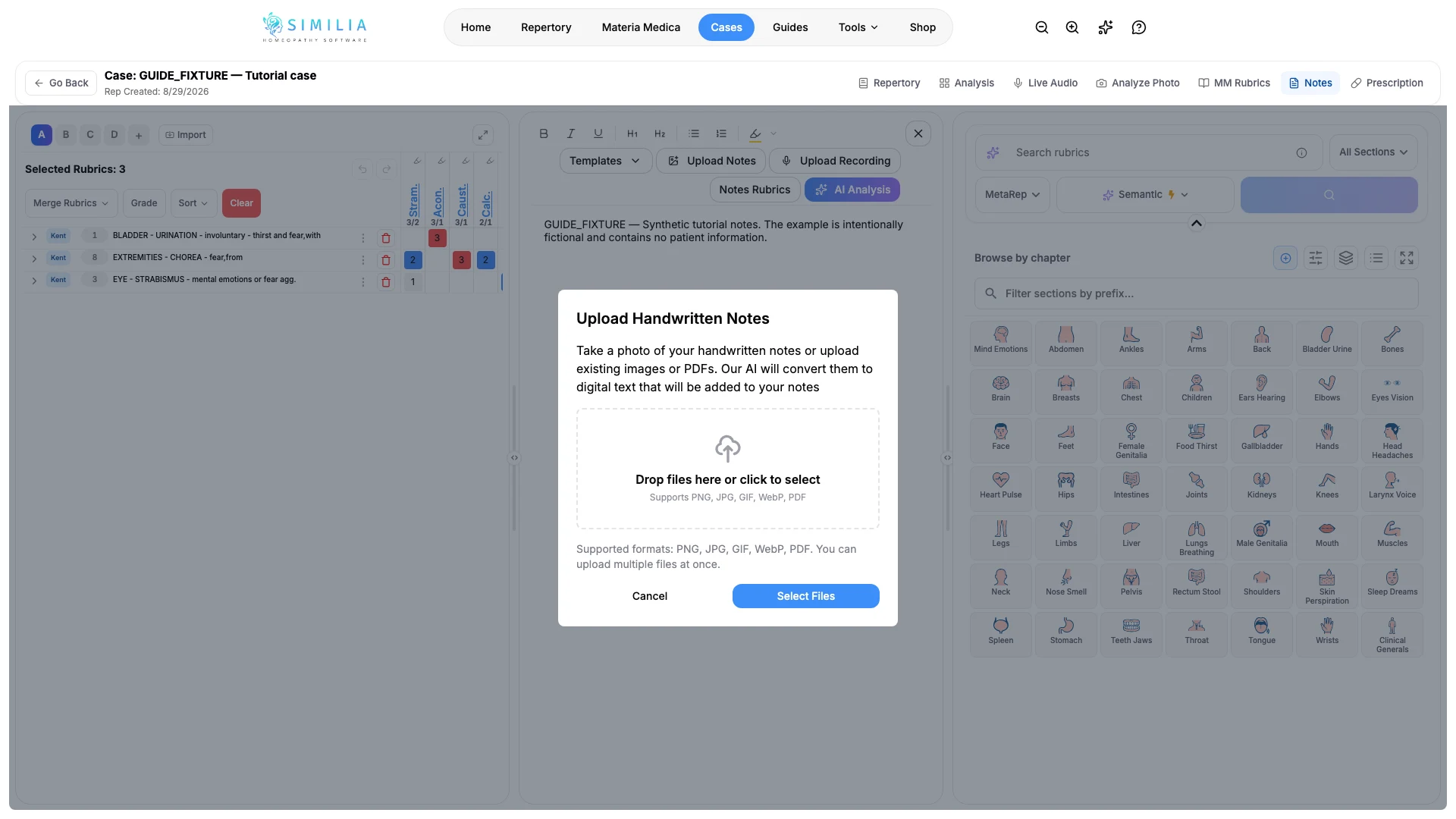
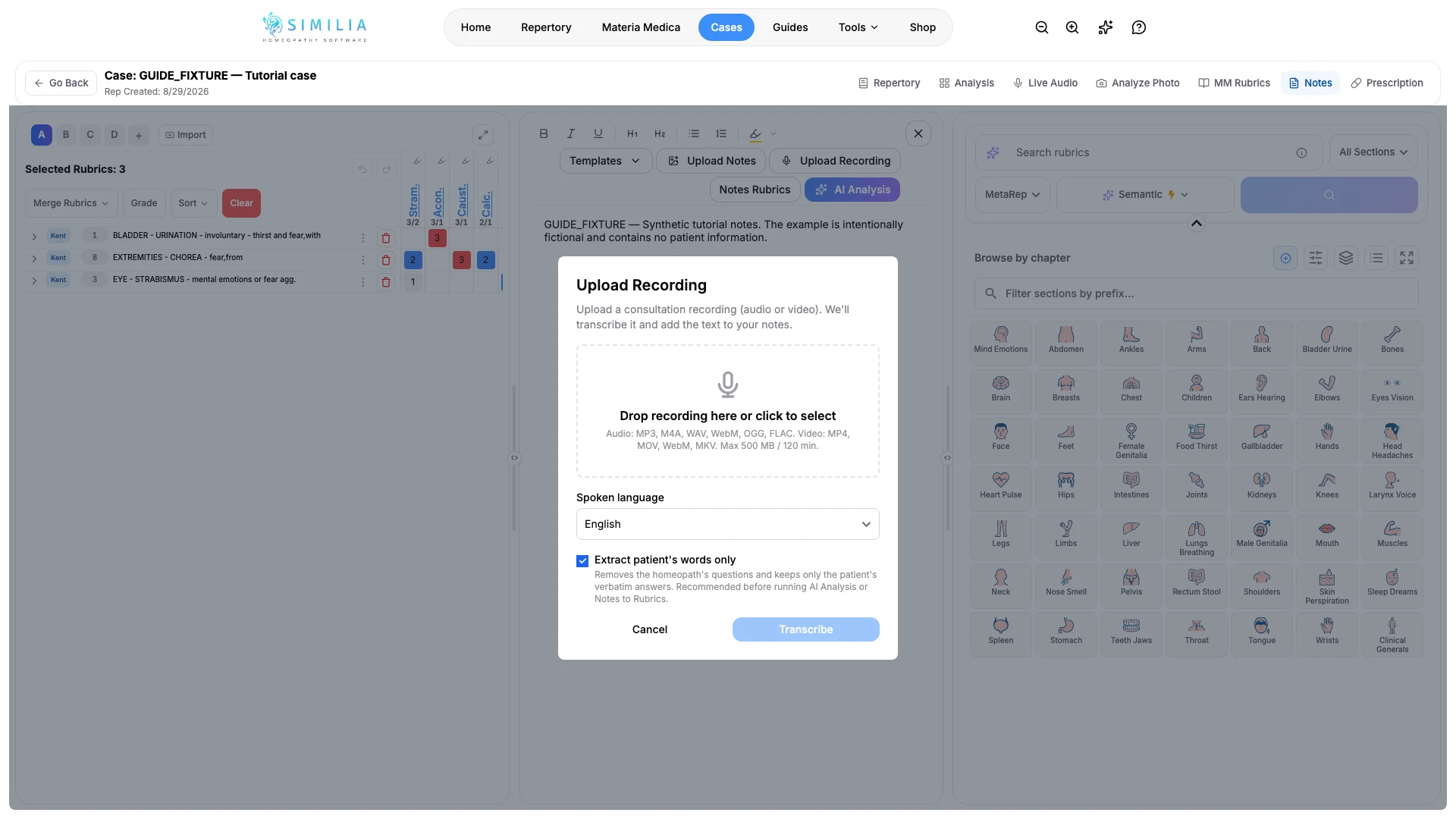
- Select typed text, file upload, or recorded audio.
- Add only the material needed for this analysis.
- Read the consent and credit information.
- Start processing.
- Compare every extracted symptom with the source material.
- Inspect each proposed rubric.
- Add only the accurate rubrics.
What you should see
The tool separates source material, extracted symptoms, and proposed rubrics so you can review the chain before adding anything.
If something looks wrong
- If processing is blocked, check Pro access, consent, file support, and AI credits.
- If audio is unclear, correct the transcript or use concise typed notes.
- If processing fails, keep the source, retry once on a stable connection, and use manual repertory search if it continues.