
Run an AI Case Analysis
Send a prepared case for AI analysis, monitor its progress, and critically review the returned reasoning.
AI Case Analysis organizes case material and offers possible lines of inquiry. It does not replace practitioner judgment.
Before you start
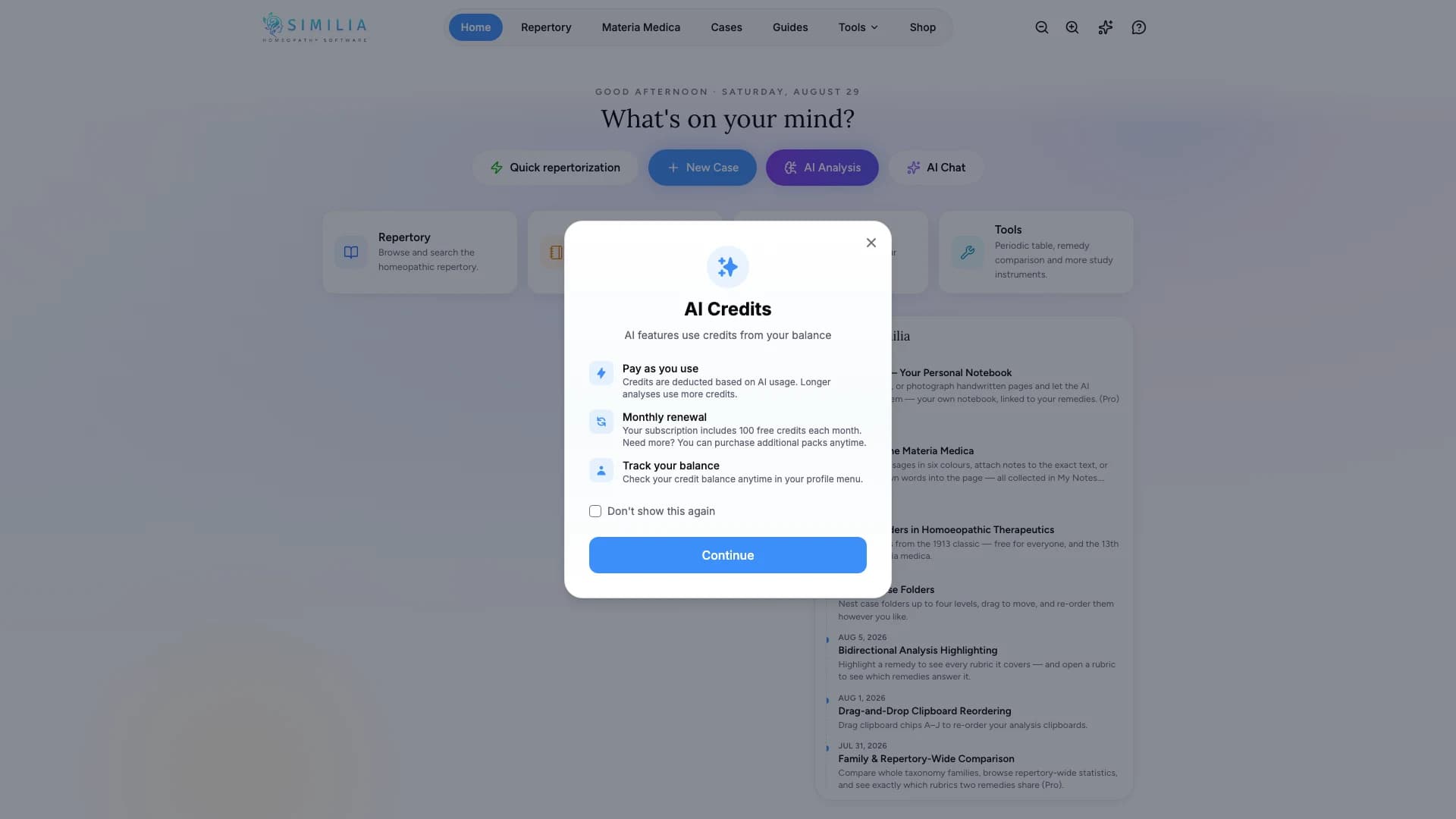
This feature requires Pro, AI consent, and enough AI credits. Clean up obvious transcription errors and obtain permission before sending personal case material.
Run and review the analysis
- Open the intended case analysis.
- Confirm that the case material belongs to this consultation.
- Open the AI Case Analysis action. The analysis adds its rubrics to the clipboard in use, which must be empty; if it is not, accept the empty clipboard offered.
- Review the available analysis options.
- Choose only sources available to your account.
- Read the credit information.
- Start the analysis.
- Verify every returned claim against the case and cited material.
Read the result beside the notes
- Select Full screen on the AI Analysis panel to read the result beside the case notes. The notes stay editable and save as usual.
- Press Escape or select Exit full screen to return.
Run again and compare runs
Running the analysis again adds a new run; earlier runs are kept with the analysis. Choose a run by its date on the AI Analysis panel to read it again. To remove a run you no longer need, select Delete this run: its rubrics stay on their clipboard, and the credits it used are not refunded.
What you should see
A completed result is attached to the correct analysis and separates observations, reasoning, and suggestions for review. Earlier runs of the same analysis remain available beside it.
If something looks wrong
- If the action is unavailable, check Pro, consent, credits, and source entitlements.
- If processing stops, keep the case open and use the offered retry action once.
- If the output contradicts the case, disregard it and continue with manual analysis; do not edit the case to fit the output.