
Settings & AccountAvailabilityFree
Set Up Similia on Your Device
Sign in safely, choose your language, learn the responsive navigation, and install the web app when supported.
Similia runs in a modern browser and keeps your account data available across devices.
Before you start
Use a device and account you control. All plans can sign in from a browser; installation availability depends on the browser and operating system.
Set up the device
- Open Similia in a current browser.
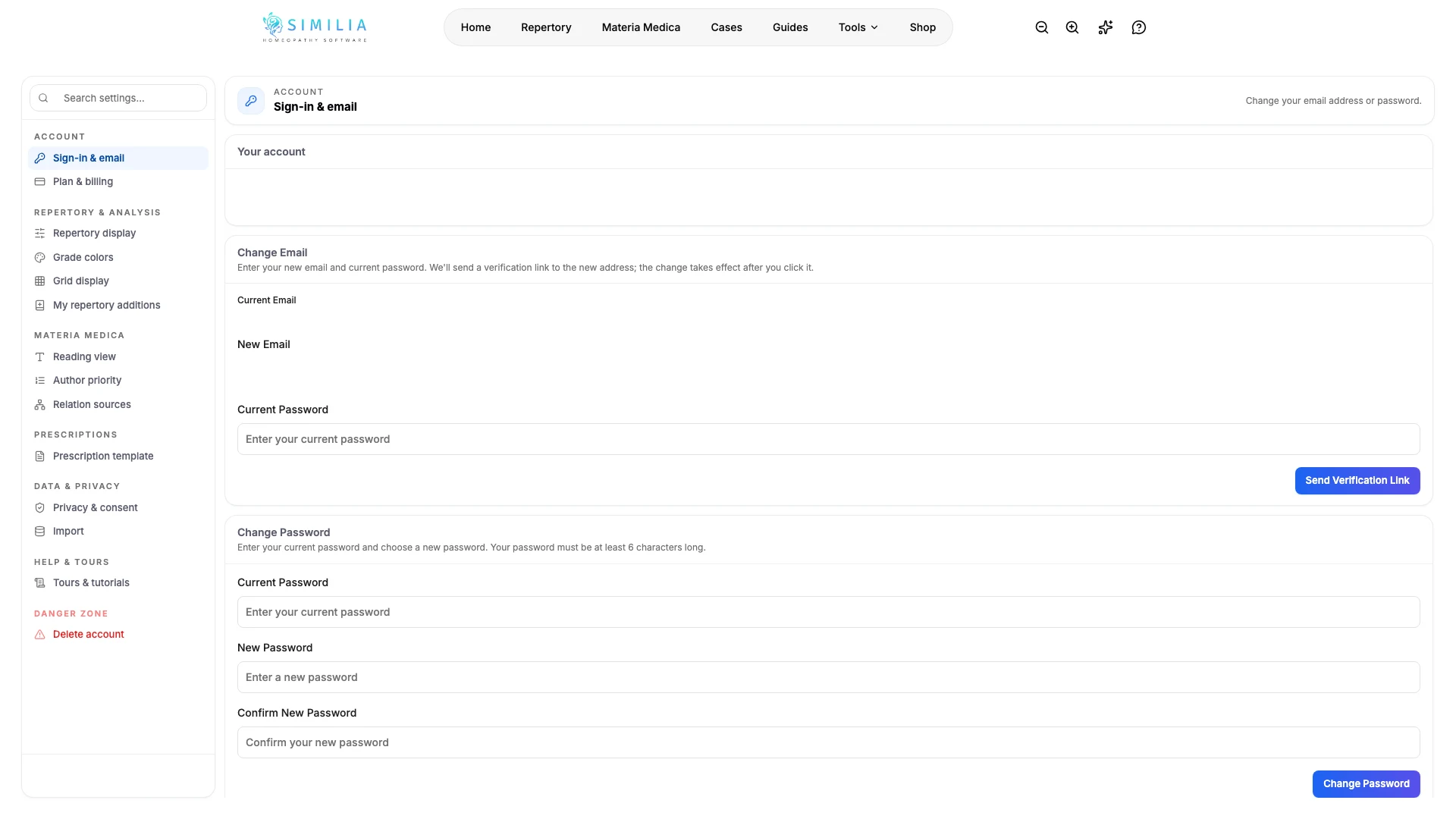
- Sign in to your account.
- Complete email verification if the account asks for it.
- Choose your preferred interface language.
- Visit each main navigation area once.
- Open the menu on a phone or narrow window.
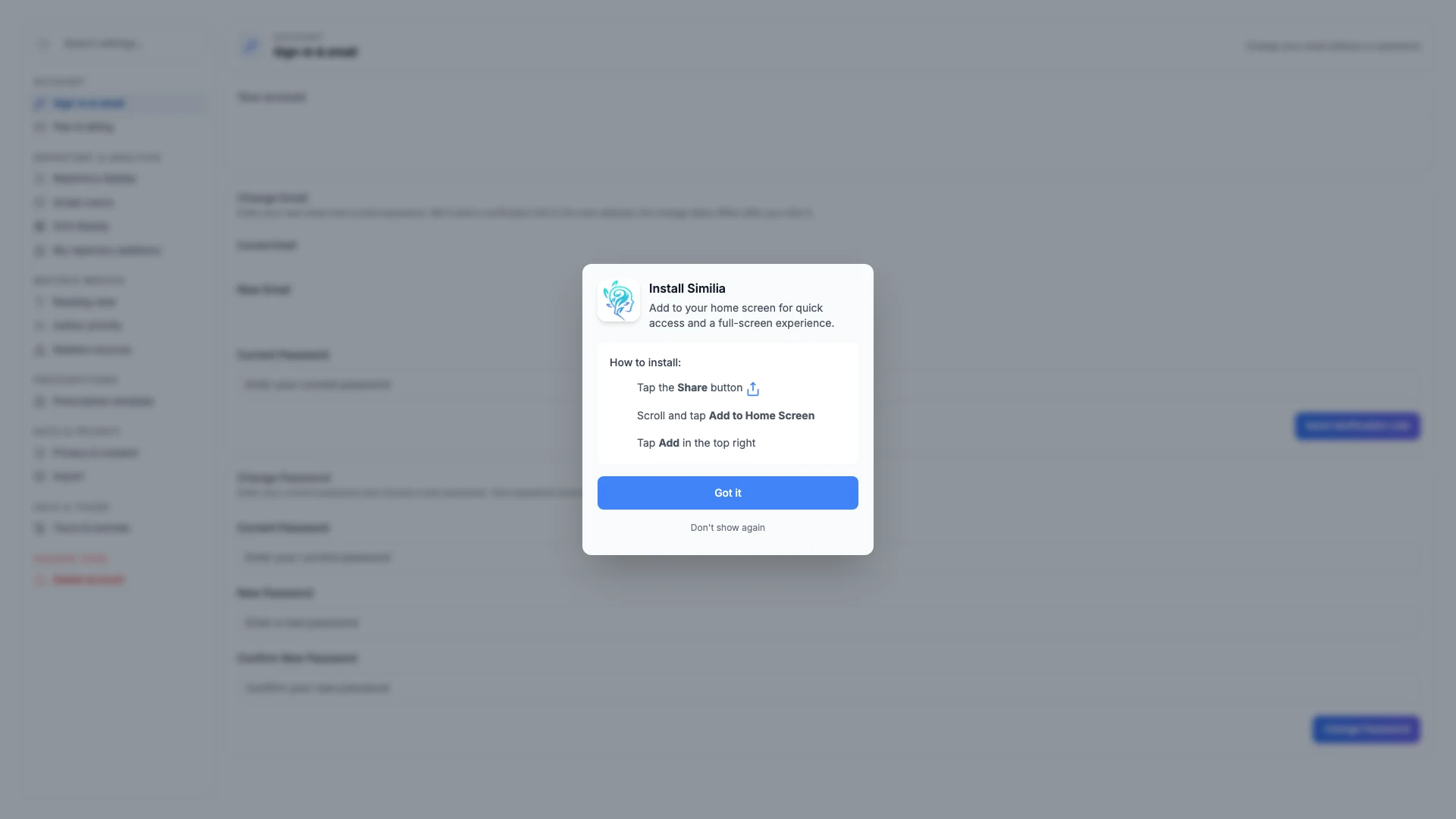
- Use the trusted browser prompt if it offers Install app or Add to Home Screen.
- Sign out when you finish on a shared device.
What you should see
The same account opens with your language and saved work, while the navigation adapts to the screen width.
If something looks wrong
- If sign-in fails, use the same provider and email used when the account was created.
- If installation is not offered, bookmark Similia; every feature except offline mode remains available in the browser.
- If the wrong language persists, change it inside Similia and reload once.