
Repertory SearchAvailabilityFree
Search Rubrics by Keyword
Find repertory rubrics with familiar words and inspect their hierarchy, remedies, and source details.
Keyword search is best when you already know one or more words used in the rubric.
Before you start
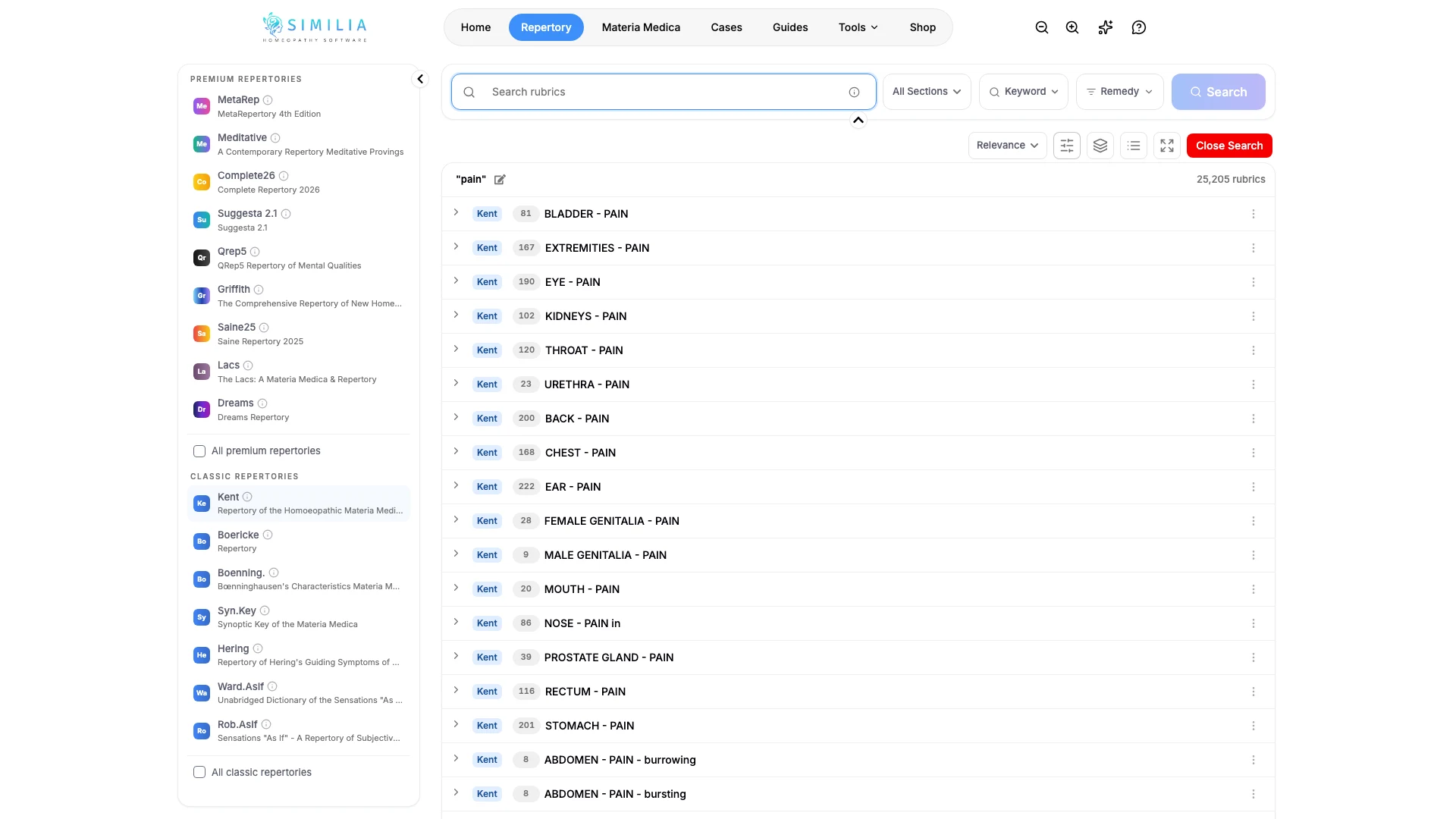
Open Repertory and choose a source. Keyword search is available on Free and Pro; access to an individual result still follows the selected repertory's entitlement.
Search for a rubric
- Choose the standard keyword search mode.
- Enter the most distinctive word first, not a complete patient sentence.
- Add another important word if the result list is too long.
- Read the full rubric path from chapter to the final symptom.
- Expand or inspect a result when you need its remedies or source details.
- Open the relevant case analysis when you need the rubric in a repertorization.
- Repeat the keyword search inside that analysis.
- Add the verified rubric to the analysis.
What you should see
Results contain your important terms and show enough of the rubric hierarchy to distinguish similar entries.
If something looks wrong
- If there are no results, remove the least important word or try its common synonym.
- If there are too many results, add one distinctive term or choose a chapter.
- If a result is locked, change to an included source or review the required entitlement.