
Repertorization & AnalysisAvailabilityPro
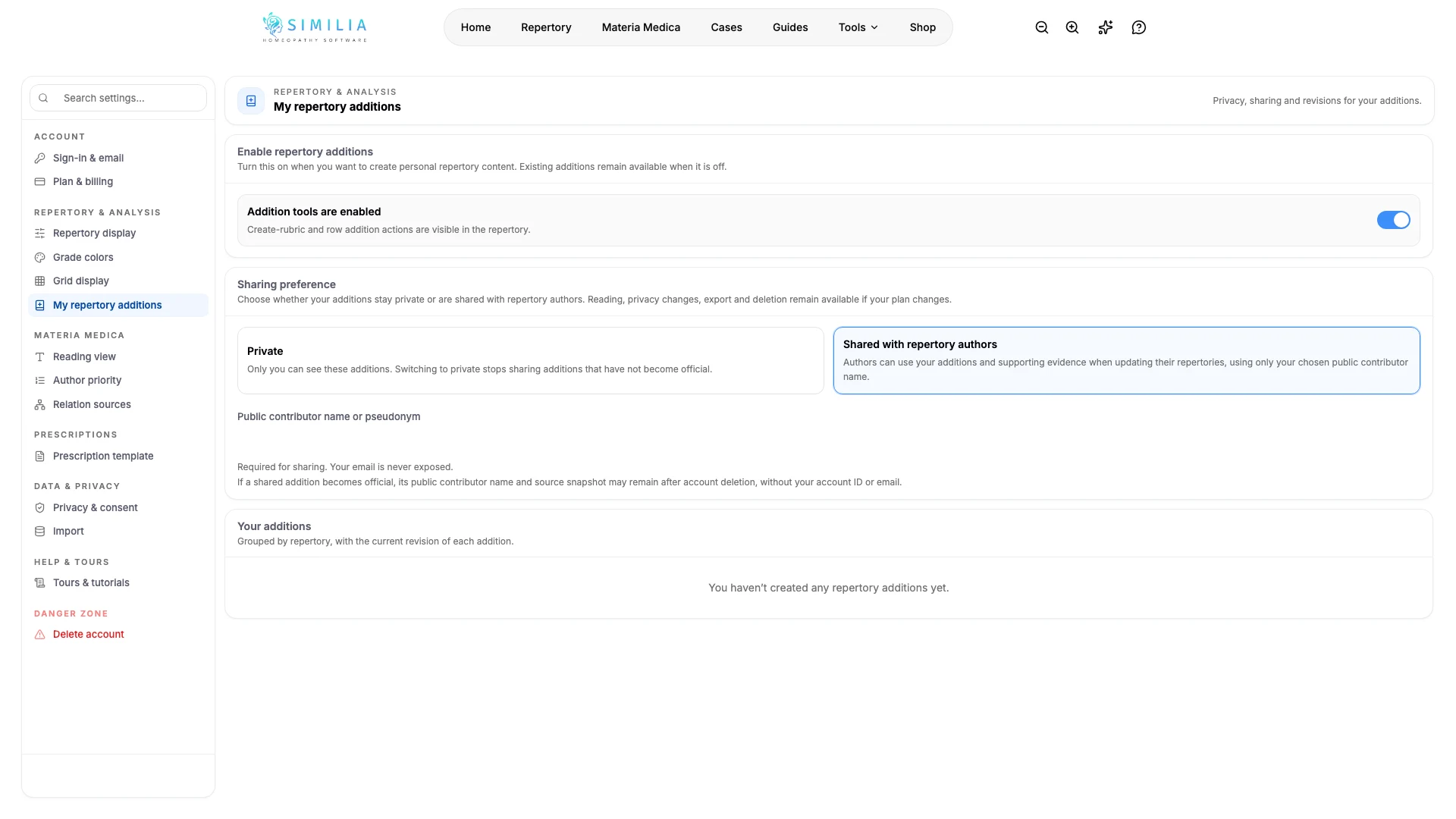
Create Personal Repertory Additions
Add a remedy to a rubric in your personal repertory layer and keep the change separate from published sources.
Personal additions let you record your own remedy association without changing the repertory text shared by other users.
Before you start
This feature requires Pro. Open Repertory, find the exact existing rubric, and have a clear source or reason for the addition.
Add the remedy
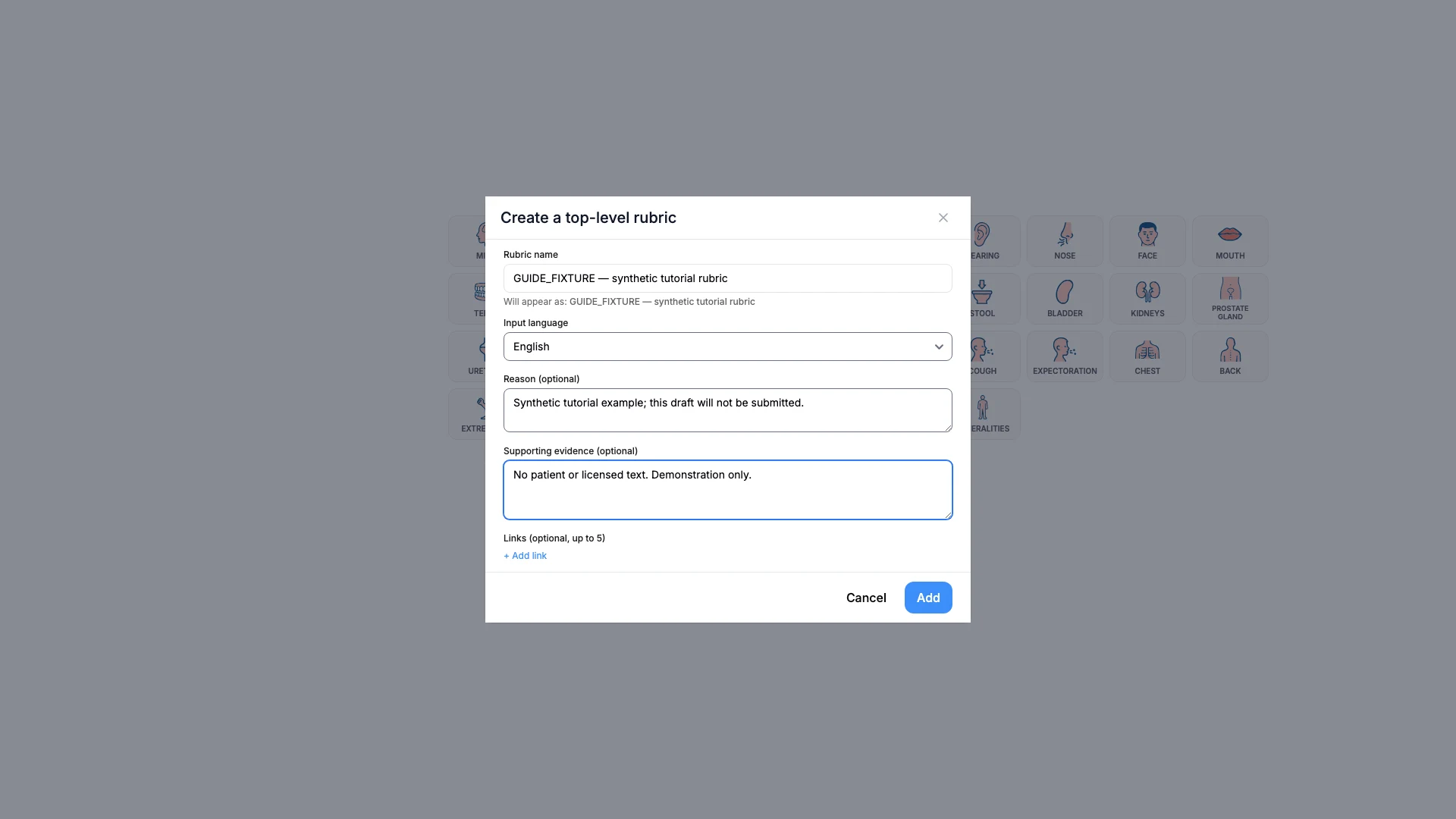
- Confirm the rubric's complete path.
- Open the personal addition action.
- Search for the remedy.
- Select the intended remedy.
- Choose the grade supported by your evidence.
- Add a concise source note.
- Review the rubric, remedy, and grade together.
- Save the addition.
What you should see
The remedy appears in your personal layer with a visual distinction from remedies in the published repertory.
If something looks wrong
- If the action is locked, confirm that Pro access has finished loading.
- If you cannot find the remedy, check its standard abbreviation or full name.
- If the addition is on the wrong rubric, remove it and recreate it on the correct path.